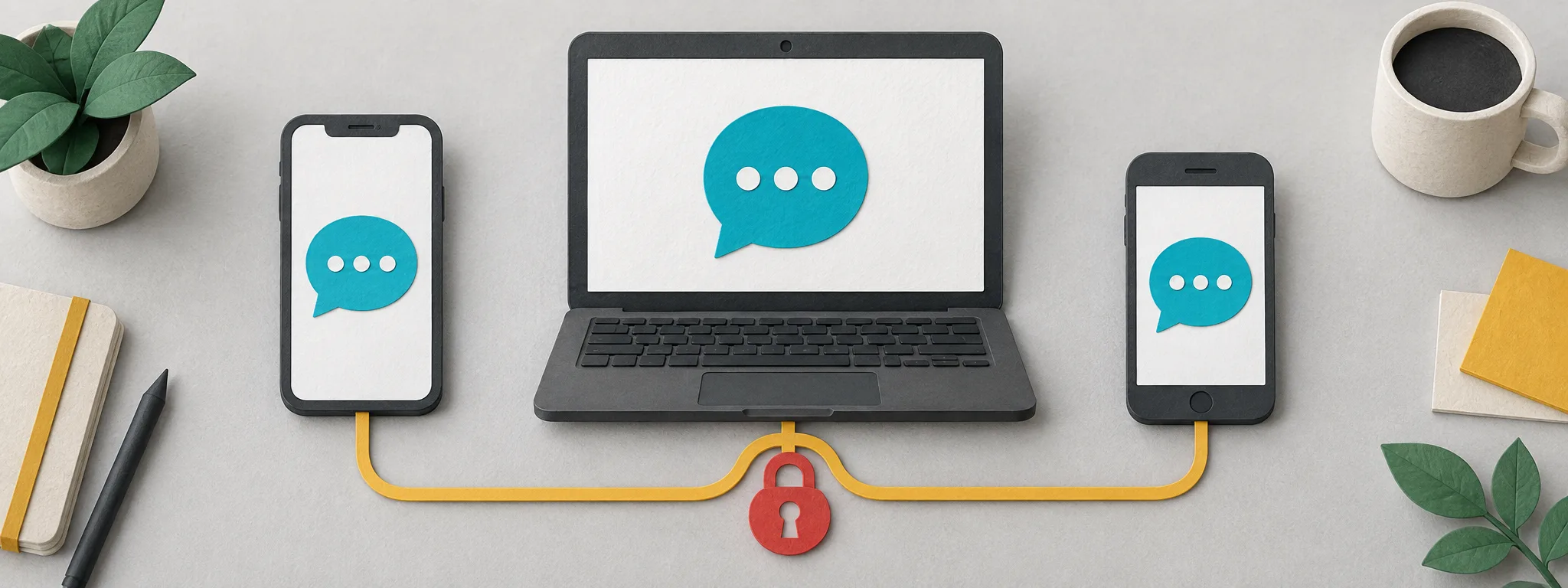

You have a second phone — a work handset, an older one kept for travel, a tablet — and you want your messaging app on it. The obvious move seems to be installing the app and signing up, which means a number, which is where people start looking for one. Where the app supports linking a companion device, that is solving a problem the app already solved.
TL;DR: Several quite different operations get described as “putting the app on another phone”, and they are not all offered by every app. Linking a companion device keeps one account and adds a device to it. Registering on a replacement phone as primary moves the account rather than copying it. Transferring an account or its history, including features for changing the number attached to it, is a separate thing again. Opening a genuinely separate account is different from all of those. Only the last necessarily involves a second identity, and even then the question is whether you have an eligible number rather than whether you must buy one. WhatsApp documents linking a phone as a companion device, and Signal’s current documentation lists phones among the device types that can be linked. Check whether the app you are using supports linking before buying anything.
Four things that all look like “getting the app on another phone”
Separating these is most of the work, because the wrong one is expensive in a way that is hard to undo. Not every app offers all of them, and the names differ, so treat the list as the distinctions to look for rather than a menu every app presents.
Linking a companion device. One account, more than one device signed in to it. The account keeps its existing number and its existing identity. Nothing new is registered. WhatsApp’s announcement of one account across multiple phones describes linking a phone as a companion device in the same way as linking a browser, tablet or desktop, and says a phone can be linked as one of up to four additional devices. Signal’s linked devices documentation currently lists iPhone and Android phones among the device types that can be linked.
Registering the account afresh on the second phone. This is not linking. Registering an existing number on a new phone as its primary device generally moves the account there, and the first phone stops being the place that account lives. People reach for this when linking would have done what they wanted, and then find the account is no longer on the handset they use most.
Transferring an account, or its history, or its number. App-specific features that move something about the account rather than adding a device to it. Changing the number attached to an account is one such feature where an app offers it; account and history transfer between devices is another. These are distinct from linking, and which of them exists depends on the app.
Opening a second, separate account. A genuinely different account with its own identity, which needs a number eligible for that app that is not already tied to the account you have. That may be a number you already hold; it is not automatically a purchase.
What linking actually gives you, and what it does not
Linking has both capabilities and limits worth checking.
It gives you the same account, usable from more than one device, without a second registration and without a second number. WhatsApp states that personal messages, media and calls remain end-to-end encrypted across linked devices.
It does not guarantee that every device shows your complete message history. Whether, and how much, history appears on a newly linked device is a per-app behaviour, and it is not safe to assume a full copy.
It is also not unconditional. WhatsApp notes that if the primary device stays inactive for a long period, companion devices are automatically logged out. Limits, device counts and timeouts differ between apps, and the only reliable figures are the ones the app’s own documentation gives for that app.
And linking is something you initiate from a device you already control. That distinction matters enough to have its own section below.
Which operation do you actually need
| What you want | The operation to look for | Does it need another number |
|---|---|---|
| Same account, usable on a second phone as well | A linked or companion device feature, where the app has one | No |
| Move the account to a replacement phone | Registering on that phone as primary | No — the same number |
| Keep the account, change the number attached to it | A change-number feature, where the app has one | Yes, the different number you want to attach, which you may already hold |
| Move an account or its history between devices | A transfer feature, where the app has one | No |
| A second, separate identity on the same app | A new account | A different eligible number, which you may already have |
One thing the table does not draw a mechanical line around is other people. Linking is the same mechanism whether the additional device is yours or someone else’s, and it is used deliberately that way in places — WhatsApp’s announcement gives the example of a small business owner having employees respond to customers from their own phones on the same WhatsApp Business account. This guide is written for your own devices, and the point to carry is not that sharing is technically impossible but that a link you grant is standing access from that device until you remove it. Grant it deliberately or not at all.
Two situations worth walking through
Both are hypothetical, written to show the reasoning rather than to report a case.
The second handset that needed nothing. Someone carries a work phone and a personal phone and wants WhatsApp on both. They assume a second account is required, obtain a number, and register it — and now have two accounts, two identities, and contacts who do not know which one reaches them. WhatsApp documents linking a phone as a companion device, so checking that first would have given one account on both handsets with no second identity. Unwinding it afterwards is harder than getting it right at the start, because contacts who saved the second number now have it saved.
The registration that moved the account. Someone else wants their messaging app on an old phone kept for travel, installs it there, and works through the first screens by entering their usual number. What they have completed is a primary registration on the travel phone, which relocates where the account lives rather than adding a device to it. Their everyday handset is no longer the primary. The mistake was completing primary registration when the intended operation was companion linking. The linking operation, where an app offers one, is found by its own name in the app’s settings or setup, and that is what to look for before entering anything.
Work from the operation’s name, not from the screen’s shape
There is a tempting shortcut here that does not survive contact with the documentation: the idea that you can tell linking from registration by which device shows a code, or by whether a phone number is requested. Both tests fail against current sources.
WhatsApp’s own announcement describes entering a phone number on WhatsApp Web to obtain a pairing code, used on the existing phone, as an alternative to scanning. So a flow asking for a number and a code is not thereby a registration, and a pairing code is not the same thing as an SMS registration code even when both are short strings you type.
Signal’s current linked-device instructions run the other way from what you might expect: the QR code is displayed on the new device and scanned with the primary phone, and linking appears as part of initial setup on that new device. So “reading a code on the phone you already have” is not the definition of linking either.
What works instead is the unglamorous approach. Find the operation by its name in the app you are actually using — a linked-devices screen, a pairing option, a transfer feature — and follow that app’s documented steps for it. The labels are more reliable than any inference from the shape of the screen, precisely because the shapes differ between apps and change over time.
If you have already completed a primary registration on a second phone and did not intend to, do not treat re-registering on the original handset as a generic undo. Sessions, linked devices and history may be affected, and the app’s own recovery or transfer guidance is the place to start rather than a second registration performed in the hope of reversing the first.
The pairing request you should never approve
Approving a link grants ongoing access to your account from whichever device is being linked, for as long as that link stands.
Never approve a pairing, linking or device-confirmation request because someone else asked you to. Not because they say they work for the service, not because they say a colleague needs access, not because the request arrives while you happen to be expecting something. If you did not start it, the device on the other end is not one you chose.
The same reasoning applies to codes generally, and what to do about a verification code you did not request covers the wider version of this. The short form: approve only what you started, on a device in your hand.
If you see a linked device you do not recognise, the app’s own linked-devices screen is where to inspect and remove it. An unfamiliar label is not proof of anything on its own — devices are often named unhelpfully — but a session you cannot account for is worth ending.
When a second number is genuinely the right answer
None of the above argues against getting a number. It argues against getting one for a problem linking already solves.
A second number is the right tool when you want a genuinely separate identity — a seller account distinct from a personal one, a registration you would rather not attach to your own line, a service you want to try without handing over a number you keep. In those cases you are deliberately creating a second account, and the number is the point rather than a workaround.
If you are going that route, it is worth knowing what the number can and cannot do afterwards. What a temporary number can do about a second code covers the lifetime question, and an account whose only way back in is a number you will not control later is a risk worth resolving while you still have access. Related practical matters: if the line you plan to use is a data-only plan, it may not carry messages at all; if a code arrives and will not go into the field, that is an entry problem with its own checks; and if you are also moving authenticator entries to the new phone, that is a separate migration with its own order of operations.
Limitations of this guide
Linking support, device limits, history behaviour and inactivity rules are per-app and change over time. The two apps named here are named because their current documentation was checked; the figure of four additional devices is WhatsApp’s own, for WhatsApp, and should not be carried across to any other app.
This guide does not walk through each app’s linking screens, because those change and the app’s own help is the accurate place for them. What it offers instead is the distinction between the four operations, which is the part people get wrong before they ever reach a settings screen.
Linking authenticates an additional device for an account you can already reach. It is not a route into an account you have lost access to, and nothing here describes one; where an app offers linking as a sign-in path, that is still an operation you authorise from the account itself.
Our help answers cover the ordering side, and a support ticket is the route for anything specific to an order you placed with us.
FAQ
Do I need a second phone number to use my account on two phones?
Not if the app supports linking a companion device, which keeps one account and one number while letting you use it from more than one device. WhatsApp documents linking a phone in the same way as a browser or tablet, and Signal’s current documentation lists phones among linkable device types. Check the documentation for the app you actually use, since support varies.
What is the difference between linking a device and registering on the new phone?
Linking adds a companion device to an account you can already authorise. Primary registration establishes the phone as the primary device for that account. A request for a phone number or a displayed code does not distinguish the two: WhatsApp Web can ask for a number to obtain a pairing code, and Signal displays the linking QR on the new device. Use the operation named in the app and its own instructions.
Will all my old messages appear on the linked device?
Not necessarily, and it is not safe to assume they will. How much history a newly linked device shows is a per-app behaviour rather than a general rule. If having a complete history on the second device matters to you, check what your app documents before relying on it.
Someone messaged me asking me to approve a linking request. Should I?
No. Approving a link gives ongoing access to your account from whichever device is being linked, and a request you did not start is reason enough to refuse. Approve only what you initiated, and review the linked-devices screen afterwards for sessions you cannot account for.
Can I stay linked if my main phone is switched off for a while?
That depends on the app. WhatsApp states that companion devices are logged out automatically if the primary device is inactive for a long period. Other apps handle inactivity differently, so treat this as a WhatsApp-documented behaviour rather than a general rule.
When is buying a second number the right decision?
When you actually want a separate account rather than the same account on another device — a distinct seller identity, a registration you would rather keep off your personal line, or a service you want to try without giving out a number you keep. In those cases the second number is the purpose, not a workaround for a device problem.